

Open the Martı app
Martı's transport service for deliveries across the city.
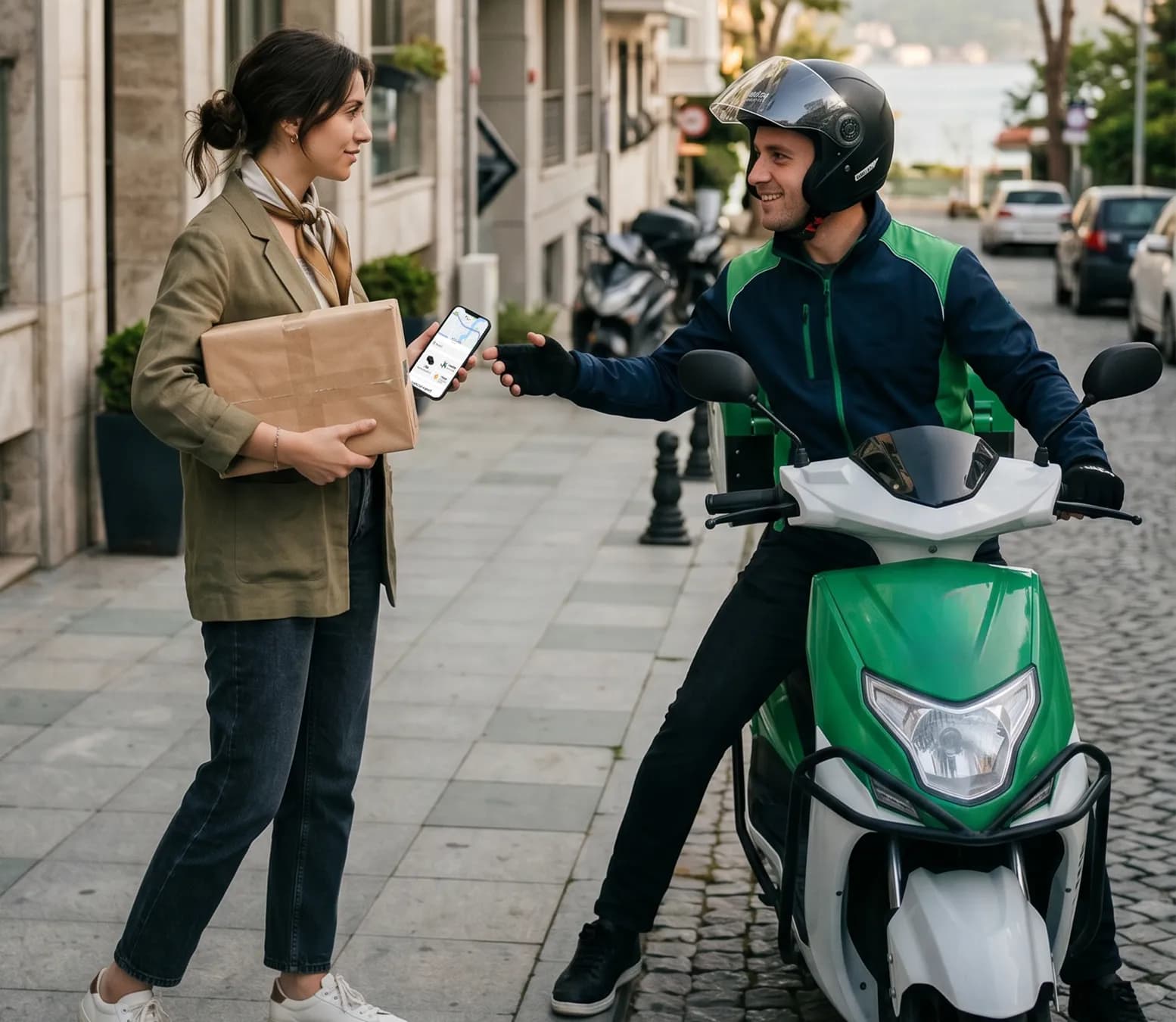
Open the Martı app
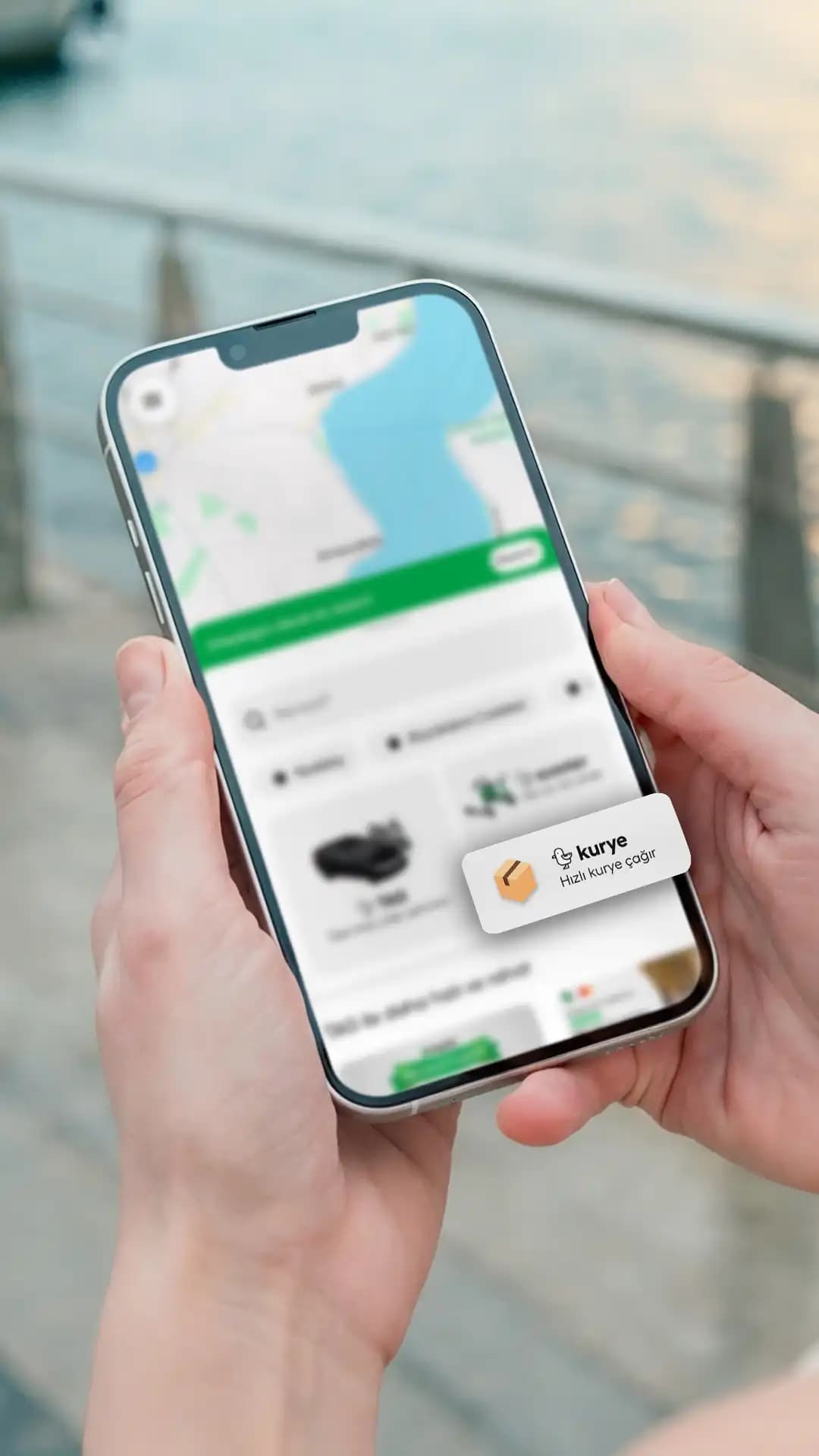
Select Courier
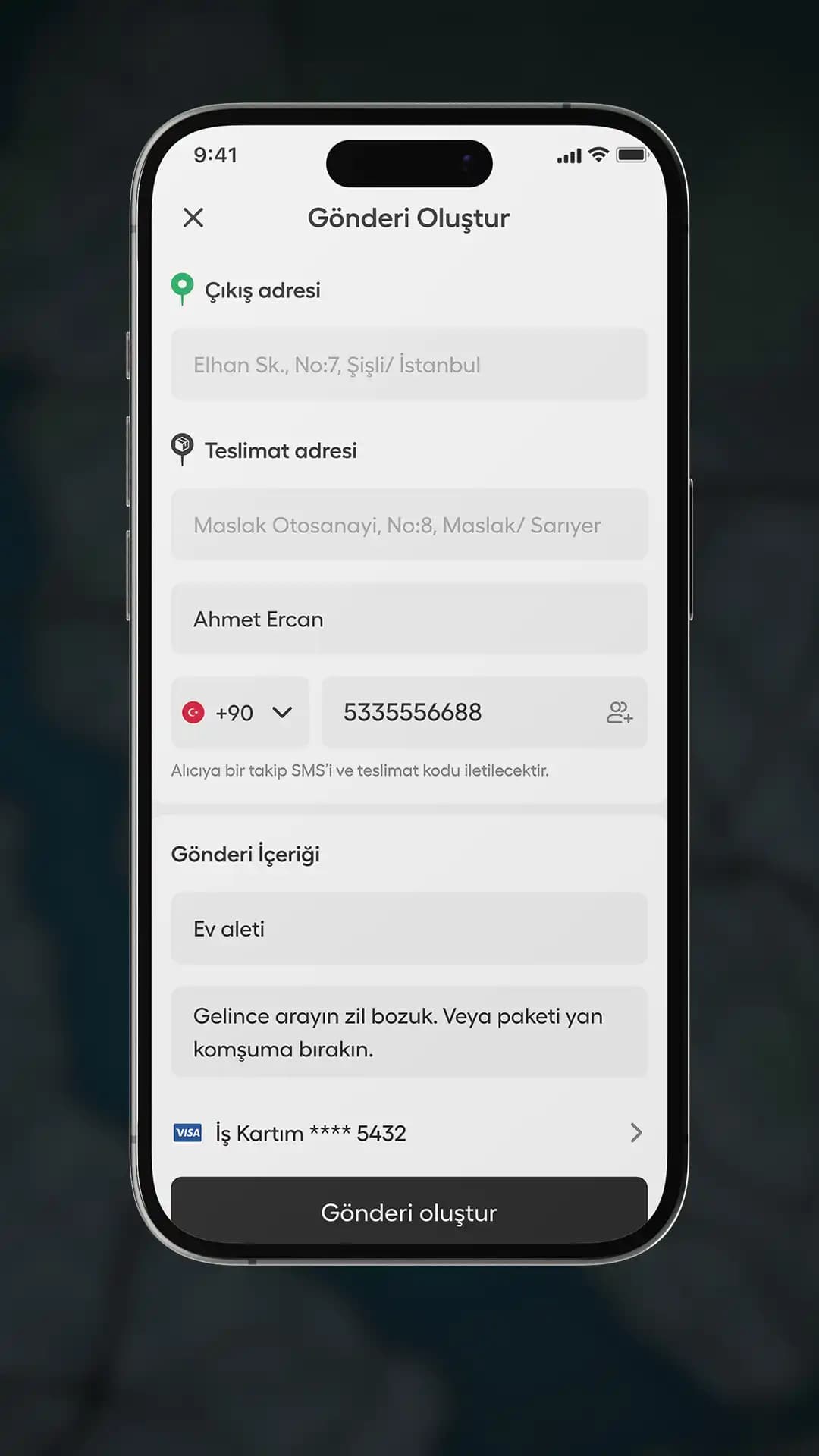
Enter pickup and delivery addresses
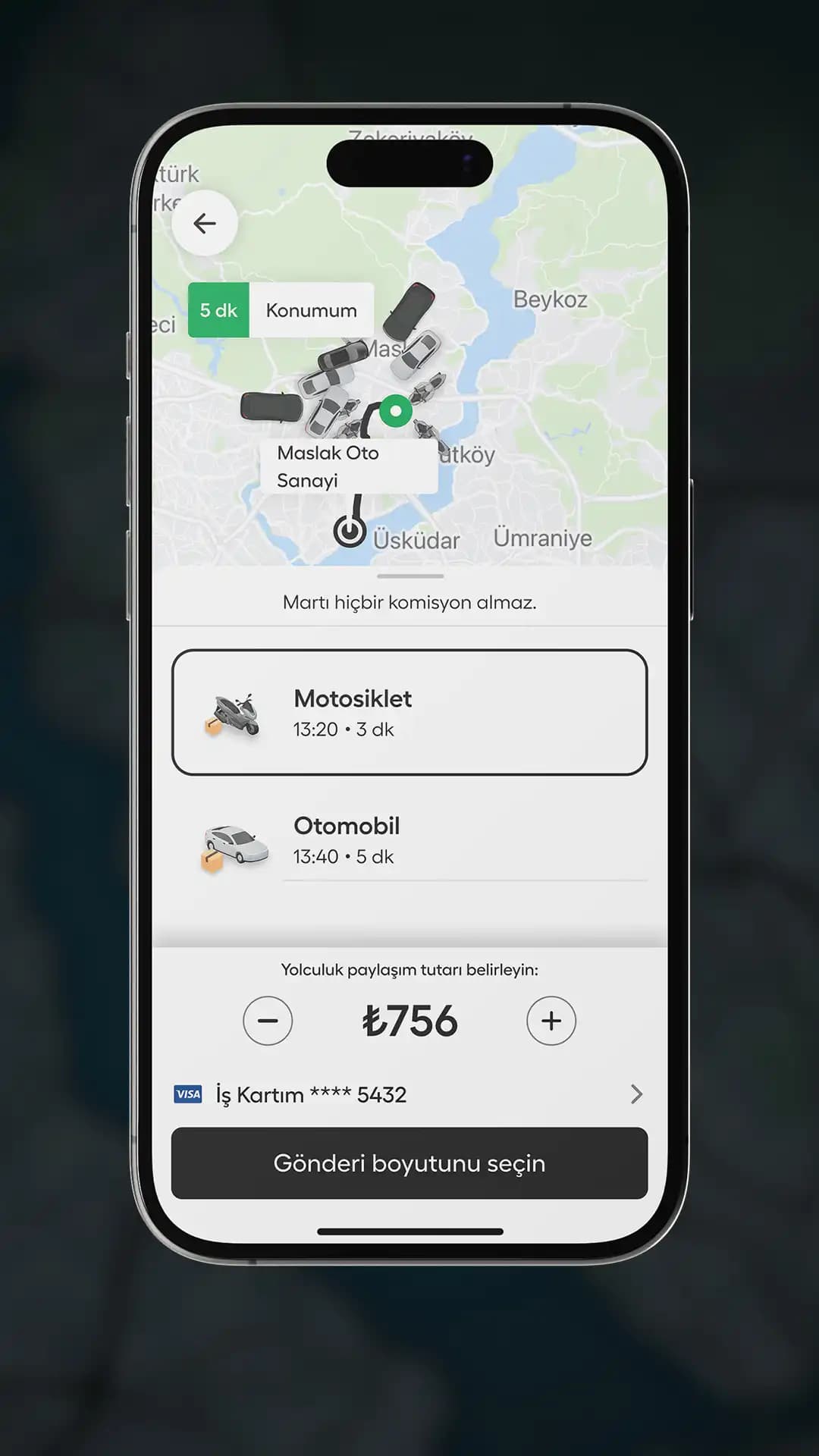
Pick your vehicle
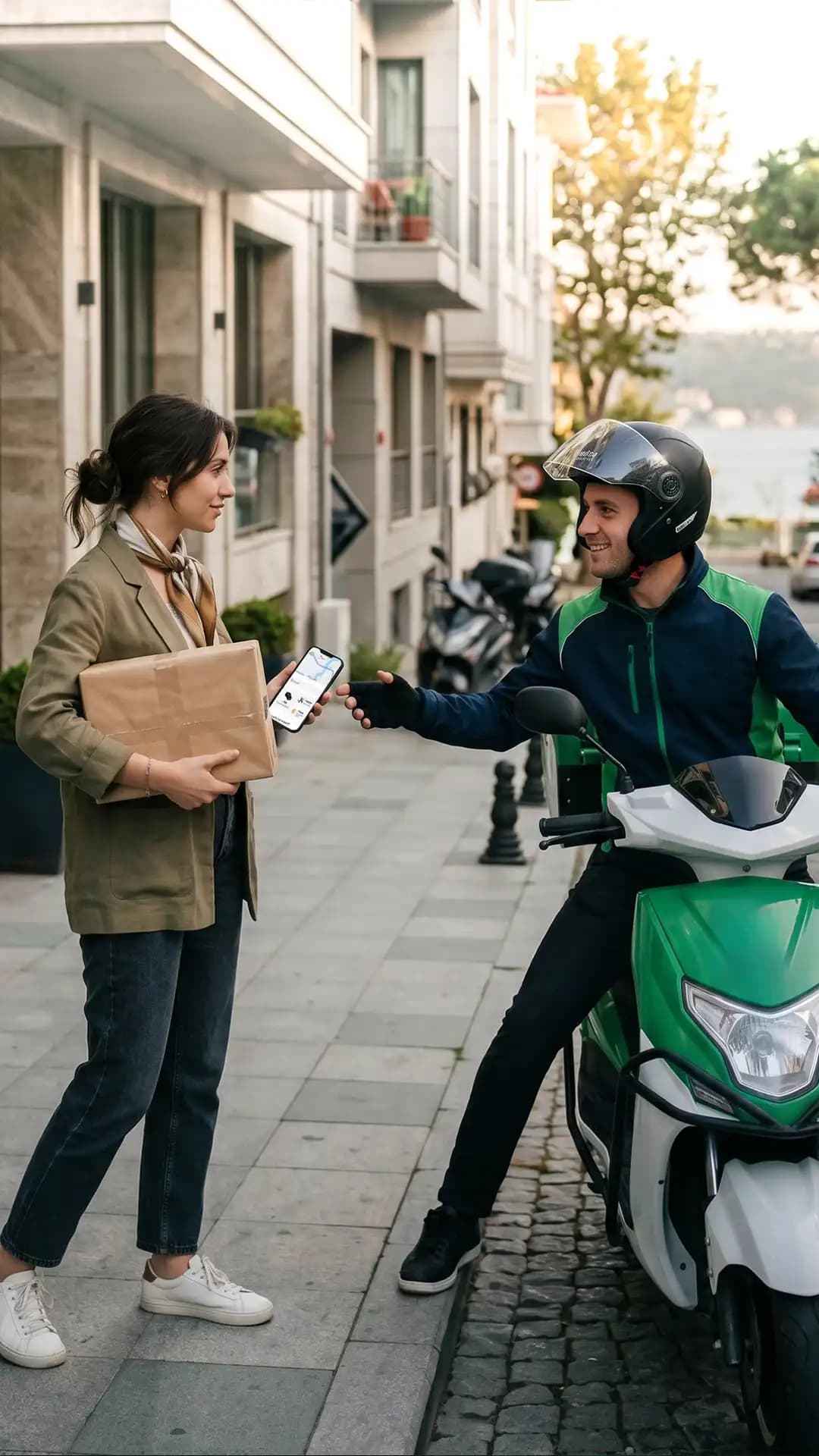
Match with your driver
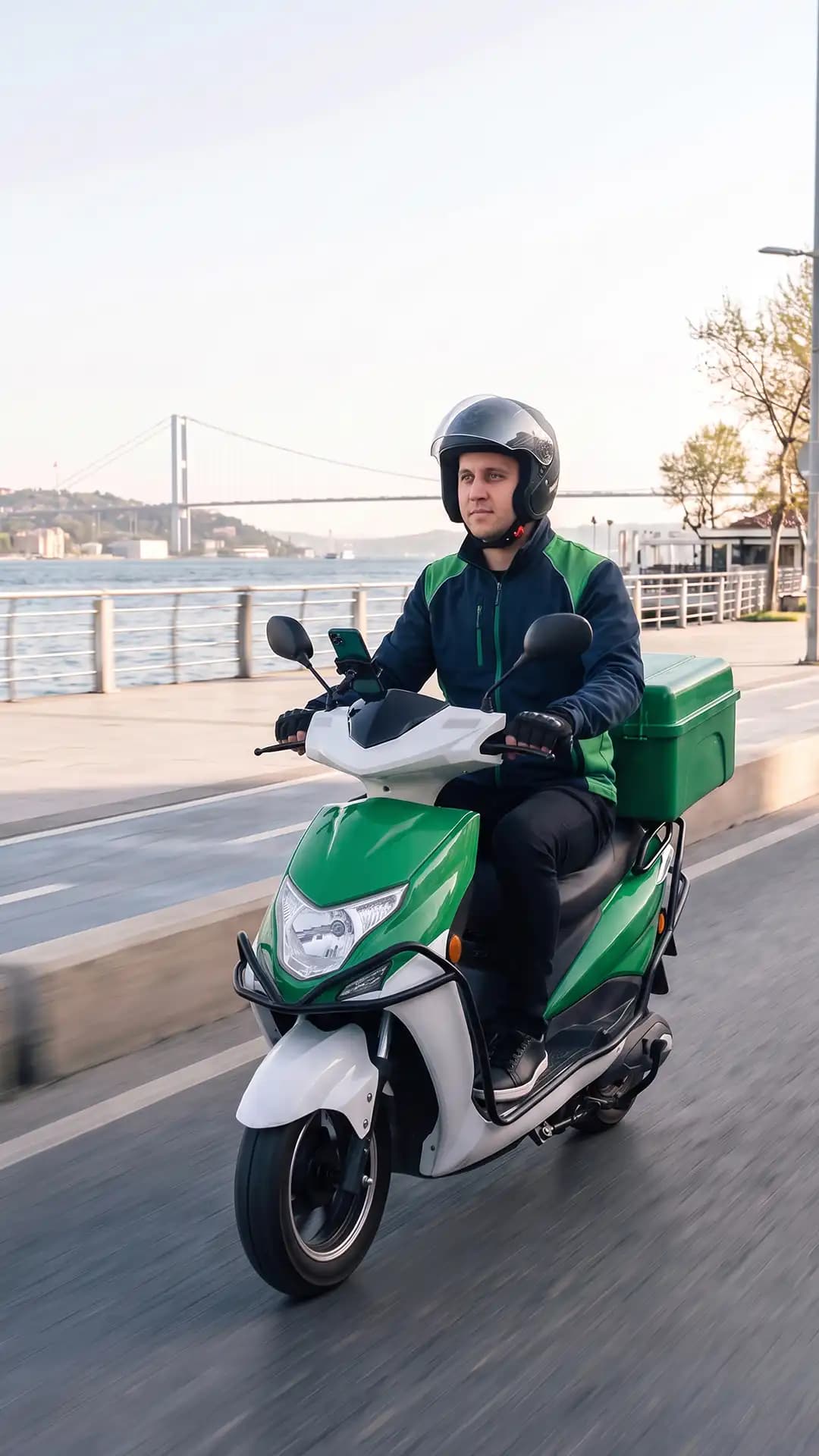
Send or receive your items with ease
A new model that lets Martı users create a shipment in the app and have it delivered by TAG drivers.
All TAG drivers (Premium, TAG, Motor, Eco Motor) can receive courier requests once they go available. Drivers who do not want to see shipment requests can turn off the “Receive Courier Requests” button on the My Profile screen and will then only see ride requests. Shipment requests appear on the driver screen with a blue box icon marked “Courier Request”, unlike a regular TAG ride.
Once the driver accepts the request, the shipment contents and courier note appear in the system. The driver goes to the pickup address and enters the shipment code from the sender's app at handover (the sender sees this code in the app). As soon as the shipment is picked up, the recipient receives a separate delivery code and a live tracking link by SMS. During the delivery both parties can use in-app messaging or the phone; the driver can message the sender and call the recipient. On arrival the driver takes the delivery code from the recipient's SMS and completes the delivery. In short: the sender provides the “shipment code”, the recipient gives the “delivery code”, and the driver closes the process securely with both. The courier feature carries items only; no one may ride in the vehicle as a passenger.
The service is for deliveries only; no passengers are carried. Use TAG for your own trips. The driver collects the item at the pickup address and enters the shipment code from the sender's app. In-app messaging or a phone call can be used at this stage. Once the shipment is picked up, the recipient receives a delivery code and a live tracking link by SMS. On arrival the driver takes the delivery code from the recipient and completes the delivery. Notes such as address or door details are added through the app; if a different address or an extra stop is needed, a new delivery request is created.
Payments can be made in cash only; credit cards are not accepted.
The address cannot be changed and no extra stops can be added.